
Ask an HR manager why they want geofenced attendance and the answer is almost always the same: someone marked "present" from somewhere they clearly weren't. Geofencing is the direct fix for that one problem — it ties a check-in to a location, not just a timestamp. But most of the frustration organisations run into with geofenced attendance comes from treating it as a complete solution rather than the narrow fix it actually is.
What a geofence actually verifies
A geofence is a virtual boundary drawn around a coordinate — a site, warehouse, or client premises. When an employee attempts to check in, the app compares their device's GPS location against that boundary. If they're inside it, the check-in is accepted; if not, it's flagged or blocked, depending on how strict the policy is set.
That's the whole mechanism. It confirms proximity to a place at a moment in time. It does not confirm who is holding the phone, what work is being done, or whether the employee stayed for the full shift — those require separate checks (like face verification at the point of check-in, or task logging through the shift). Teams that expect geofencing alone to solve "buddy punching" or shift-length disputes are usually disappointed, not because the feature is broken, but because they picked the wrong tool for that particular problem.
Where geofencing earns its place
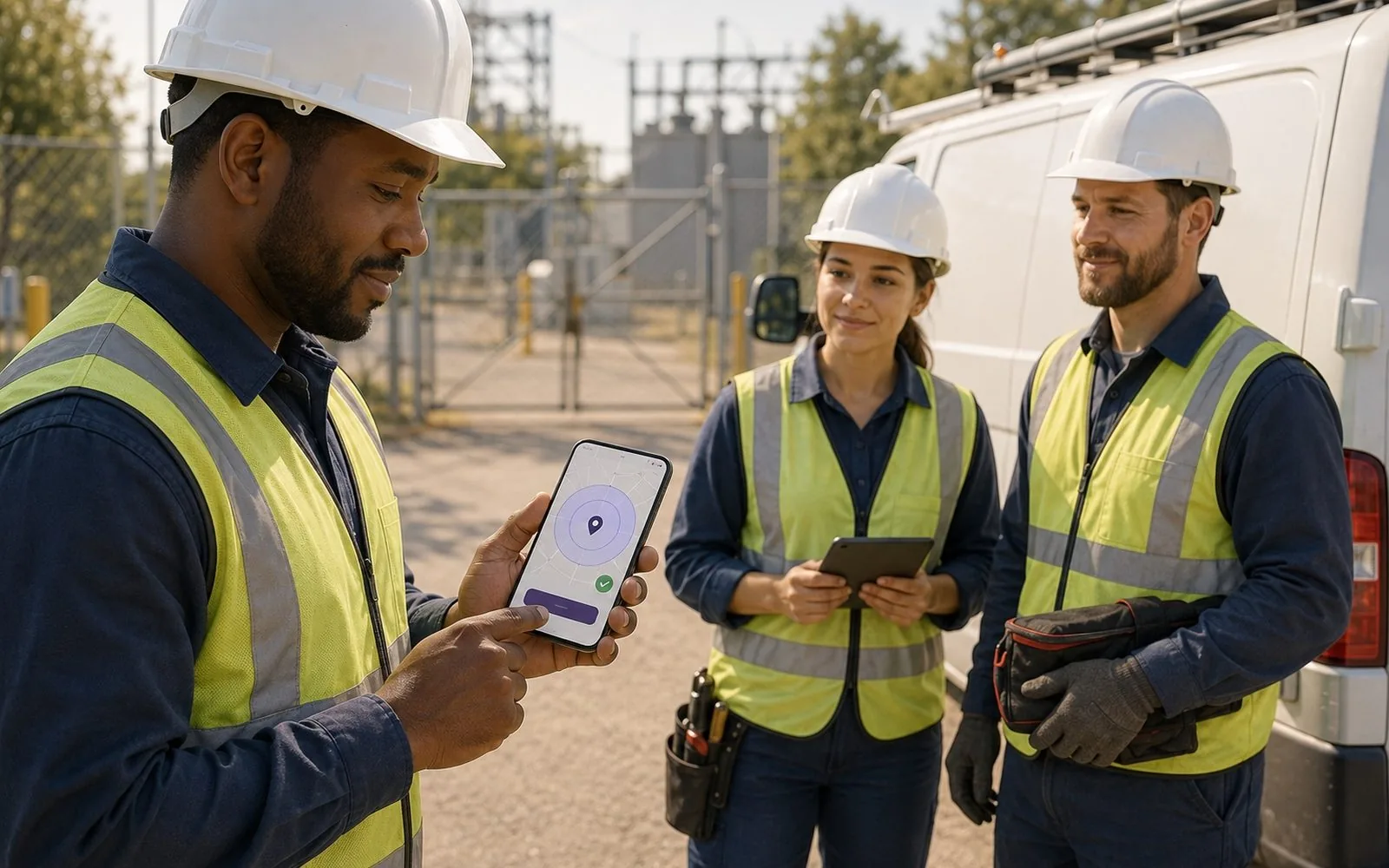
It's genuinely useful for a specific, common situation: multi-site field operations where the manager isn't physically present to confirm attendance. Utility crews, last-mile delivery hubs, retail store staff, and site engineers all fall into this category — the job is inherently distributed, and "was this person actually at the assigned location" is a real, recurring question.
- Radius sizing matters more than most teams expect. A 50-metre radius works for a compact office building; a 300-metre radius might be needed for a construction site or a large warehouse yard. Set it too tight and you get false rejections from employees standing well within the property; too loose and it stops meaning anything.
- Multiple valid zones per employee. Field staff who rotate between sites need more than one geofence tied to their profile — a single fixed boundary breaks the moment their assignment changes.
- A grace path for edge cases. GPS drift near tall buildings, tunnels, and basements is a known limitation, not a rare exception. A policy with zero tolerance for "just outside the fence" check-ins generates a steady stream of regularisation requests that eat into the time the feature was meant to save.
The trust question teams underestimate
Location-based attendance sits close to a line employees notice. A geofence that only activates at check-in and check-out reads as reasonable to most field staff — it's answering a specific, work-relevant question. Continuous location tracking throughout the shift reads differently, and tends to generate pushback even when the underlying intent is the same (making sure people are where the job needs them). The distinction is worth being explicit about in policy documents, not left implied.
The organisations that get the least resistance to geofenced attendance are the ones that tell employees exactly what is and isn't being tracked — check-in location, yes; live movement throughout the day, no — rather than letting the app's capabilities speak for the policy.
Combining geofencing with identity verification
The strongest setups pair geofencing with a second, lightweight check — typically face verification at the moment of check-in. Geofencing answers "was this device at the right place," and face verification answers "was this the right person holding it." Neither one alone closes both gaps, and stacking them takes seconds, not minutes, when the flow is designed well.
This is the shape LaaynHR's break-in flow follows: the employee opens the app at the site, the geofence confirms location, and face recognition confirms identity, all in one motion rather than as separate steps that feel like extra friction.
See the geofence + face-recognition break-in flow
LaaynHR pairs location and identity verification in a single check-in, built for field and multi-site teams.
Setting it up without creating a new support queue
A few decisions up front save weeks of back-and-forth later:
- Map radius to the actual footprint of each site, not a company-wide default.
- Decide, in writing, whether "just outside the fence" triggers a block, a flag for manager review, or an automatic regularisation request — silence on this point is what turns into inconsistent enforcement.
- Review false-rejection reports in the first two weeks and adjust radii before the policy hardens into habit (and complaints).
Geofenced attendance is a narrow, well-proven tool for a specific problem: confirming a field employee's location at check-in. Used for that, and paired with identity verification where it matters, it removes a real source of attendance disputes without adding the overhead of always-on tracking.